🥁 Music Production
How to Export Your Track for Streaming (Loudness, Format, Sample Rate)
A simple export checklist for releasing music without technical mistakes.
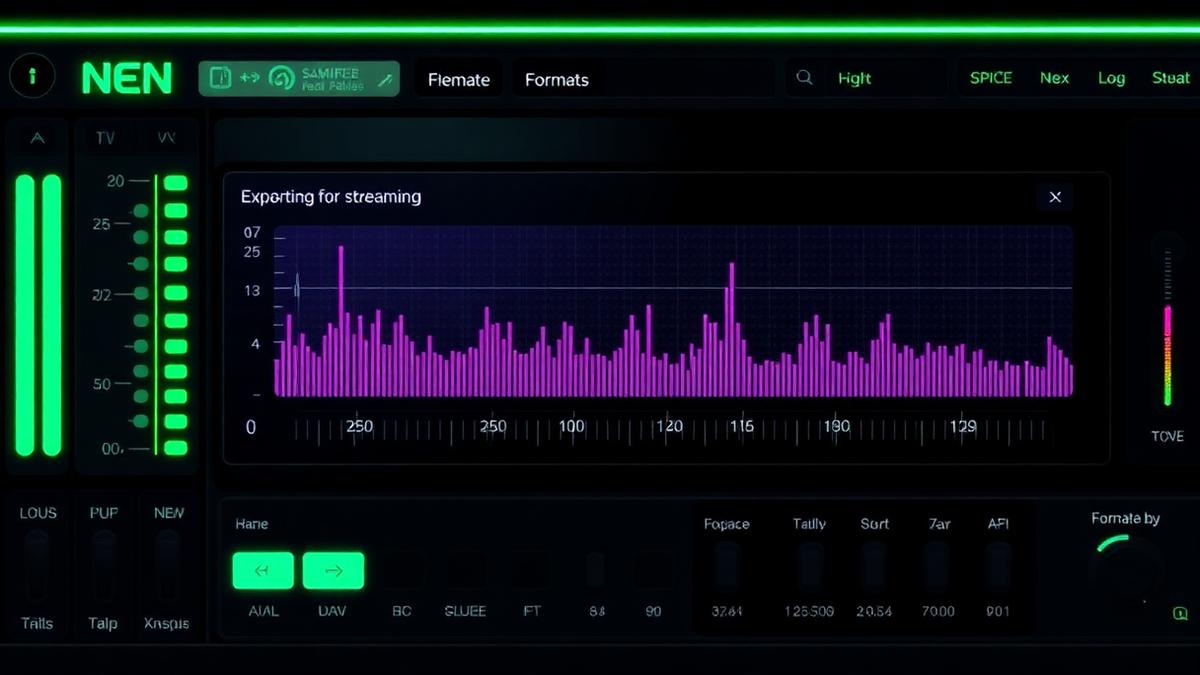
Export settings can feel confusing, but the safe streaming workflow is straightforward: high-quality WAV, sensible loudness, and no clipped true peaks.
Best export format
- Use WAV for your master upload whenever possible.
- 24-bit is a safe professional choice.
- 44.1 kHz is standard for music; 48 kHz is also accepted by most platforms.
- Avoid exporting only MP3 as your final master.
Loudness targets
Spotify often normalizes around -14 LUFS, Apple Music around -16 LUFS. That does not mean every master must be exactly -14. It means hyper-loud masters may simply get turned down.
True peak
Keep true peak around -1 dBTP to reduce clipping after conversion. This matters because streaming platforms encode your file into other formats after upload.
Streaming export checklist
- Export a 24-bit WAV master.
- Use 44.1 kHz or 48 kHz depending on your session.
- Leave true peak around -1 dBTP.
- Check integrated LUFS but do not chase a number blindly.
- Listen to the exported file from start to finish before uploading.
Export one clean WAV master and one MP3 reference. Upload the WAV; use the MP3 only for quick sharing.
Keep reading

Music Production
What is MIDI and How to Use It (Producer's Guide)
MIDI is the producer's secret weapon, instructions, not audio. Here's what it actually is and how to use it.
Music Production
How to Structure a House Track (Step-by-Step)
A practical house track arrangement map you can copy into your DAW.
Music Production
How to Finish a Beat (Stop Getting Stuck in the Loop)
A practical guide for turning loops into finished tracks instead of abandoned projects.