🥁 Music Production
How to Use Automation to Make Your Tracks Feel Alive
Automation turns a static loop into a moving record. Here is where to use it first.
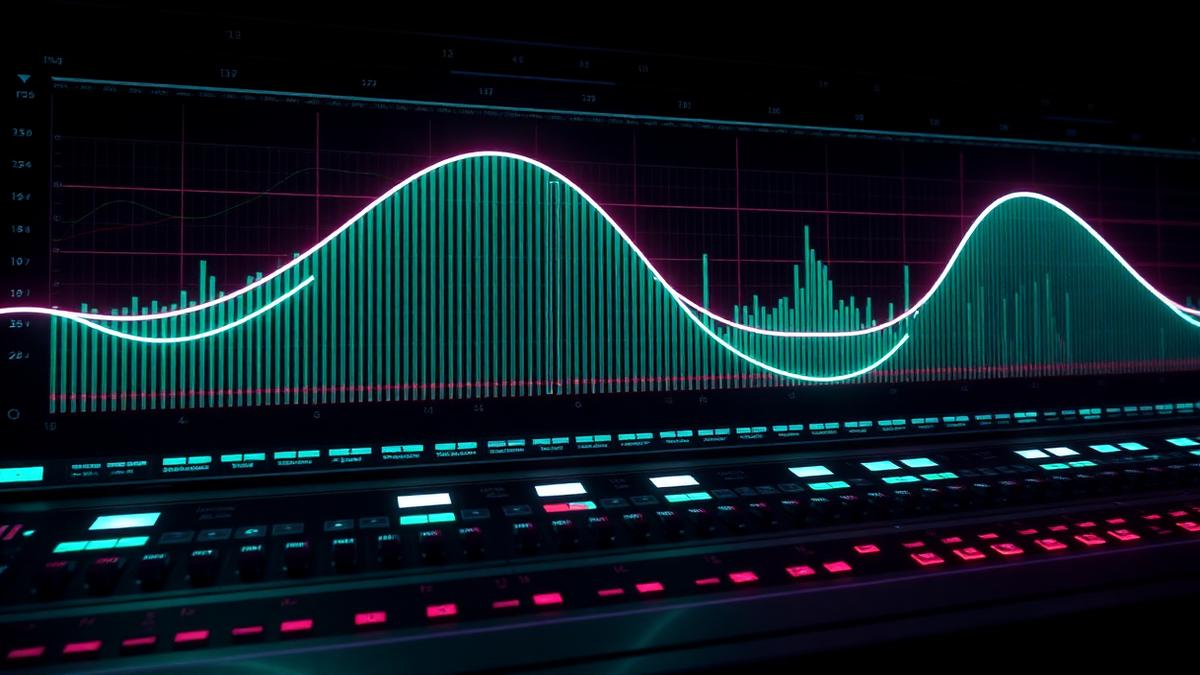
Most beginner tracks feel flat because every channel stays the same from start to finish. Automation is how you make the mix breathe, build and release.
Volume automation
Small volume moves can make sections feel intentional. Lift a hook 1 dB, dip a busy pad under the vocal, or fade percussion into a build. Automation often sounds more natural than compression when the problem changes over time.
Filter automation
Low-pass filters are perfect for breakdowns and builds. High-pass filters can remove low-end energy before a drop so the kick and bass return harder.
Effect send automation
- Raise reverb on the last word of a phrase.
- Throw delay on one vocal chop or synth stab.
- Increase distortion or saturation into a drop.
- Automate stereo width for breakdown contrast.
- Pull reverb down when the full drop returns.
A simple before/after move
Take an eight-bar build and automate the chord filter from dark to bright. Add a small reverb send rise in the final two bars. The notes can stay the same, but the section now feels like it is moving somewhere.
If an automation move is obvious, make it musical. If it is invisible, make it slightly bigger.
Keep reading

Music Production
What is MIDI and How to Use It (Producer's Guide)
MIDI is the producer's secret weapon, instructions, not audio. Here's what it actually is and how to use it.
Music Production
How to Structure a House Track (Step-by-Step)
A practical house track arrangement map you can copy into your DAW.
Music Production
How to Finish a Beat (Stop Getting Stuck in the Loop)
A practical guide for turning loops into finished tracks instead of abandoned projects.